Account: Forgotten Password and Login Issues
What to do if you can't access your account or have forgotten your password.
Written By Product
Last updated 2 months ago
If you can't log in to your account, here's what to try before contacting support.
I forgot my password
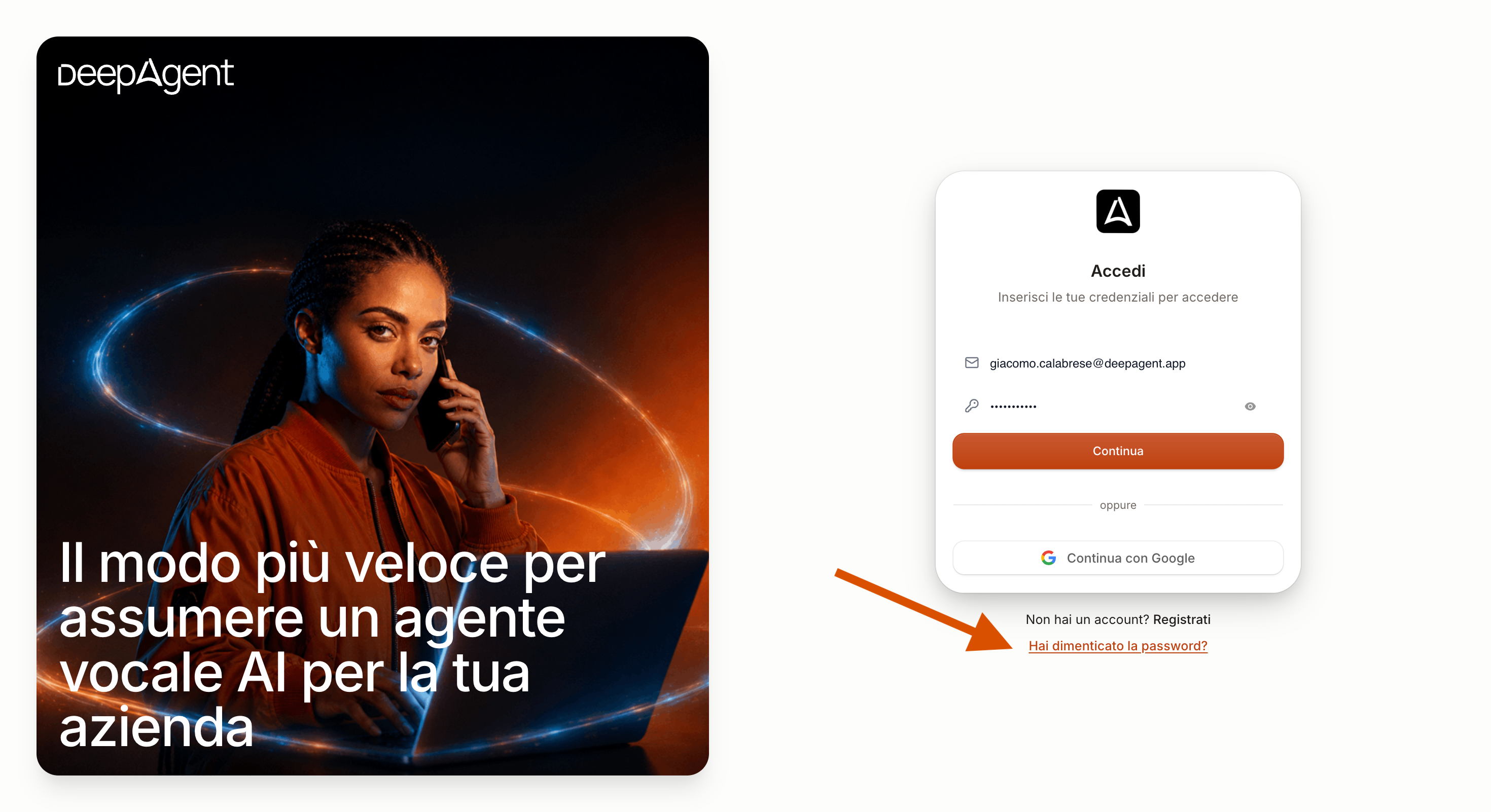
On the login page at DeepAgent, you’ll find a link to reset your password: enter the email address you used to register, and you’ll receive instructions on how to set a new one. You can also change it at any time under Account → Personal Profile.
I’m not receiving the password recovery email
Check your spam or promotions folder
Make sure you’re using the same email address you used to create your account
Wait a few minutes: sometimes delivery takes a little while
I changed my password but still can’t log in
Log out completely and try logging in again with your new credentials.
If the problem persists, contact us with your account email address and a detailed description of exactly what happens when you try to log in (error message, blank page, etc.).
My account is locked or cannot be found
Contact support: we’ll check your account status and help you unblock it.
Was this helpful?
Still need help? Share an idea